Description
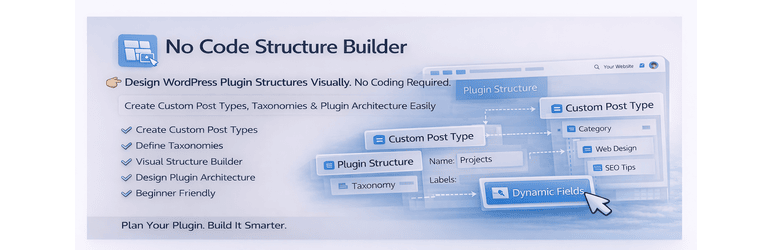
No Code Structure Builder is a visual tool that helps you create and manage WordPress content structures without coding.
Instead of writing code or configuring complex settings, you can simply use a clean drag-and-drop interface to define how your content is structured.
Create custom post types, attach taxonomies, and organize everything visually — all inside your WordPress dashboard.
This plugin is built for speed, clarity, and simplicity.
What you can do
- Create custom post types visually
- Attach taxonomies to post types
- Organize your content structure in one place
- Plan plugin/content architecture before development
- Build structured systems without touching code
Key Features
- Visual structure builder inside WordPress admin
- Create custom post types without coding
- Easy taxonomy creation and linking
- Clean drag and drop workflow
- Instant integration into WordPress dashboard
- Lightweight and fast performance
- Beginner-friendly interface
- No configuration complexity
Why this plugin?
Most plugins require manual setup or coding.
No Code Structure Builder simplifies the process by giving you a visual system to plan and build your structure efficiently.
It helps you:
- Save development time
- Avoid repetitive setup work
- Reduce errors in structure planning
- Clearly visualize your content architecture
Who is this for?
- Freelancers building client websites
- WordPress developers speeding up workflow
- Agencies managing multiple projects
- Beginners learning WordPress structures
- Anyone who wants to work faster without coding
Example Use Cases
- Create a “Projects” custom post type with categories
- Build structured content for portfolios or services
- Plan plugin data structure before development
- Organize dynamic content systems visually
Screenshots
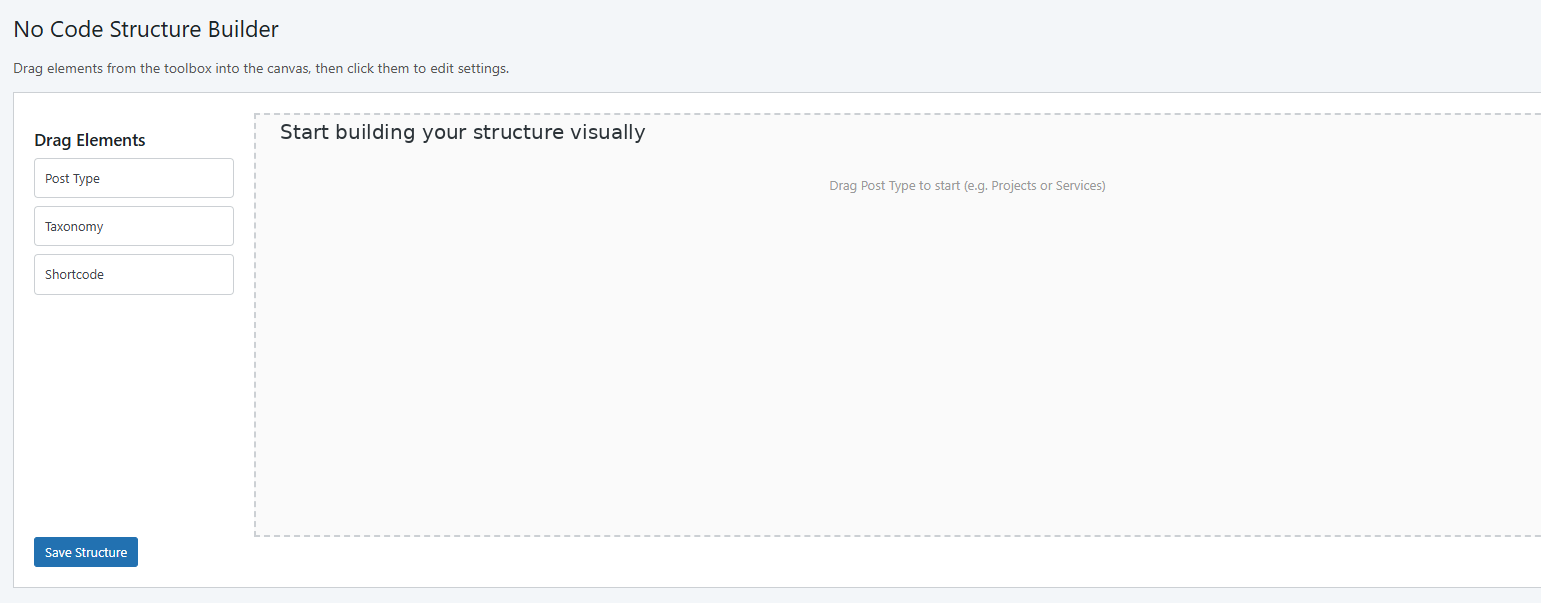
Start building your structure visually 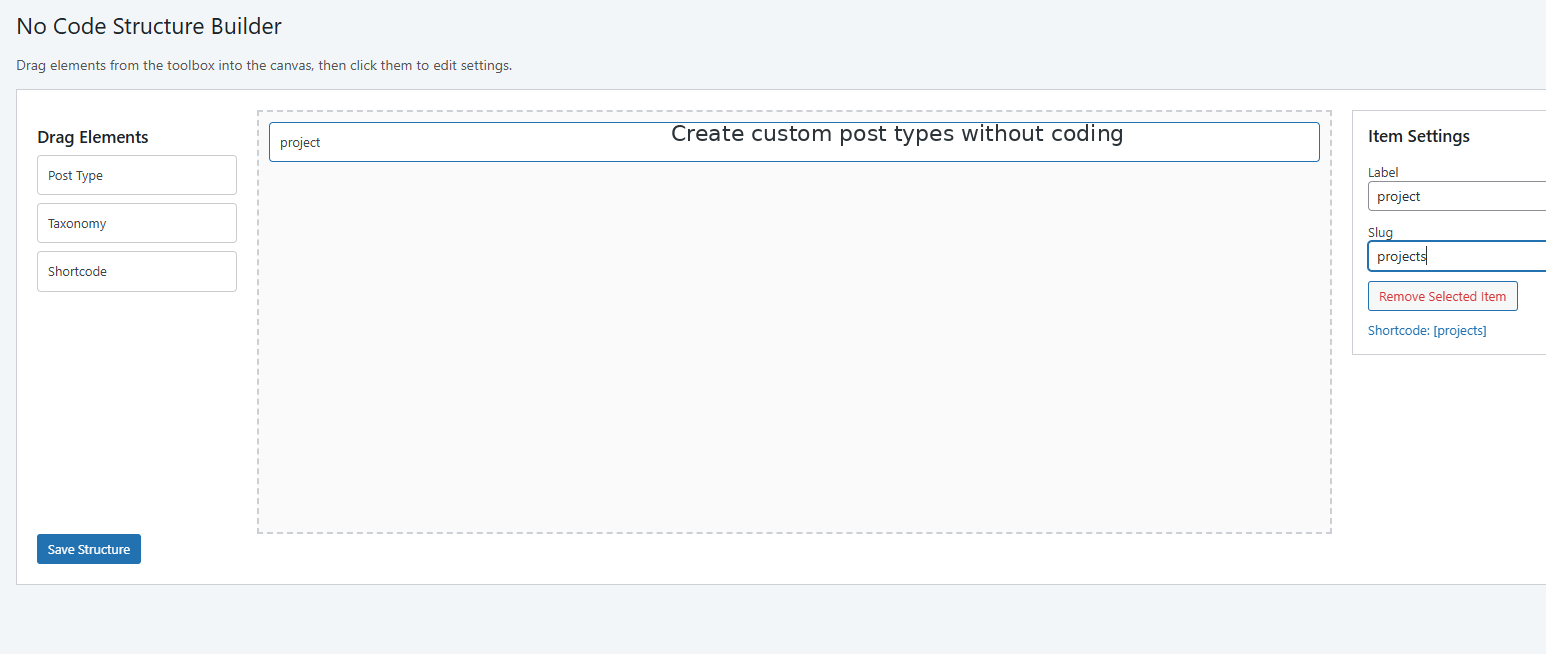
Create custom post types without coding 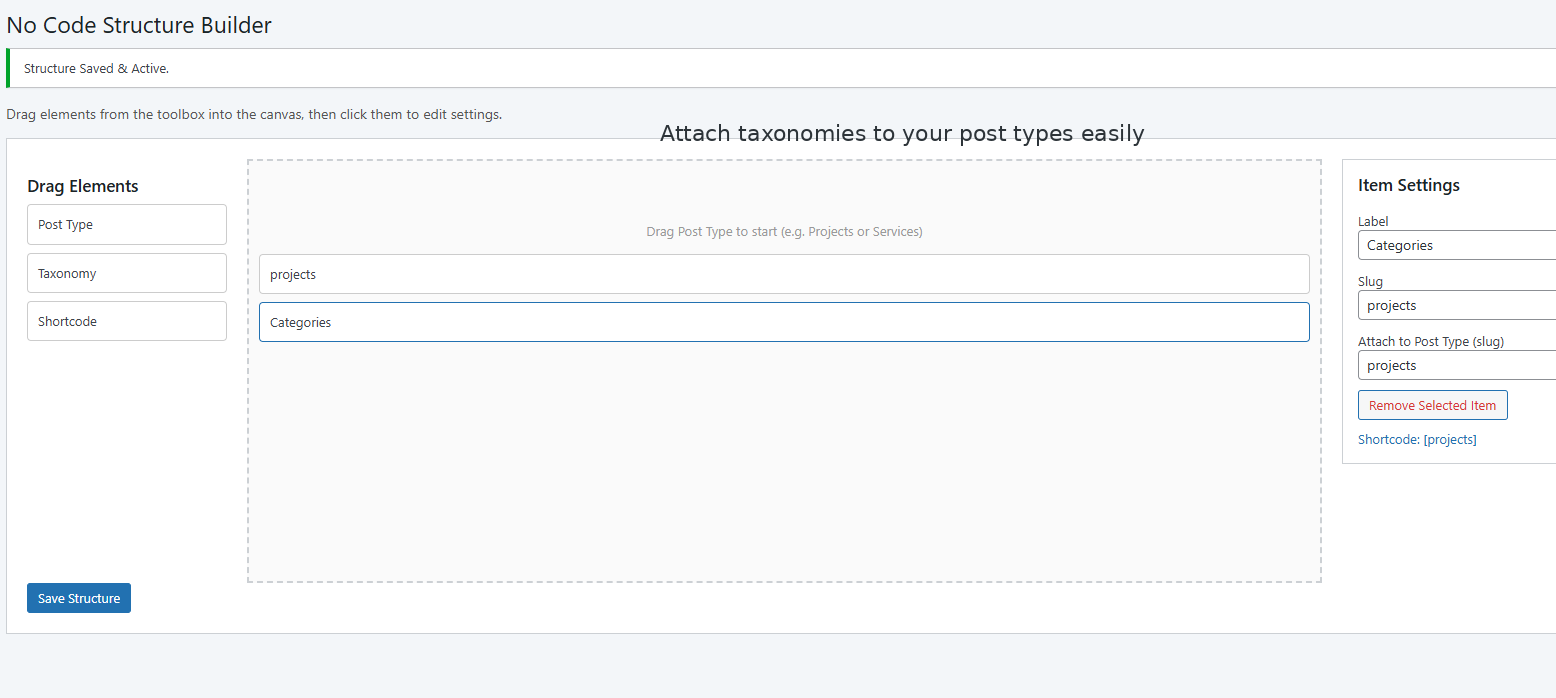
Attach taxonomies to your post types easily 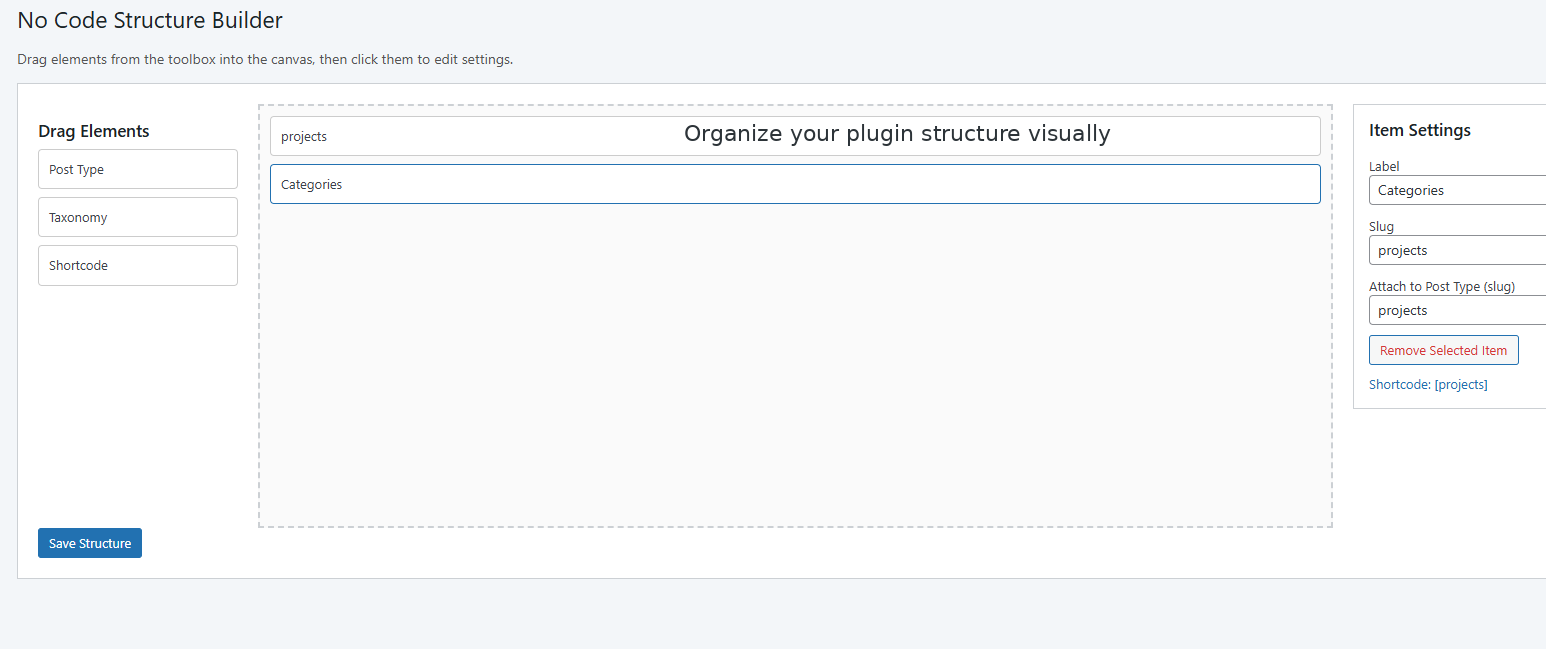
Organize your plugin structure visually 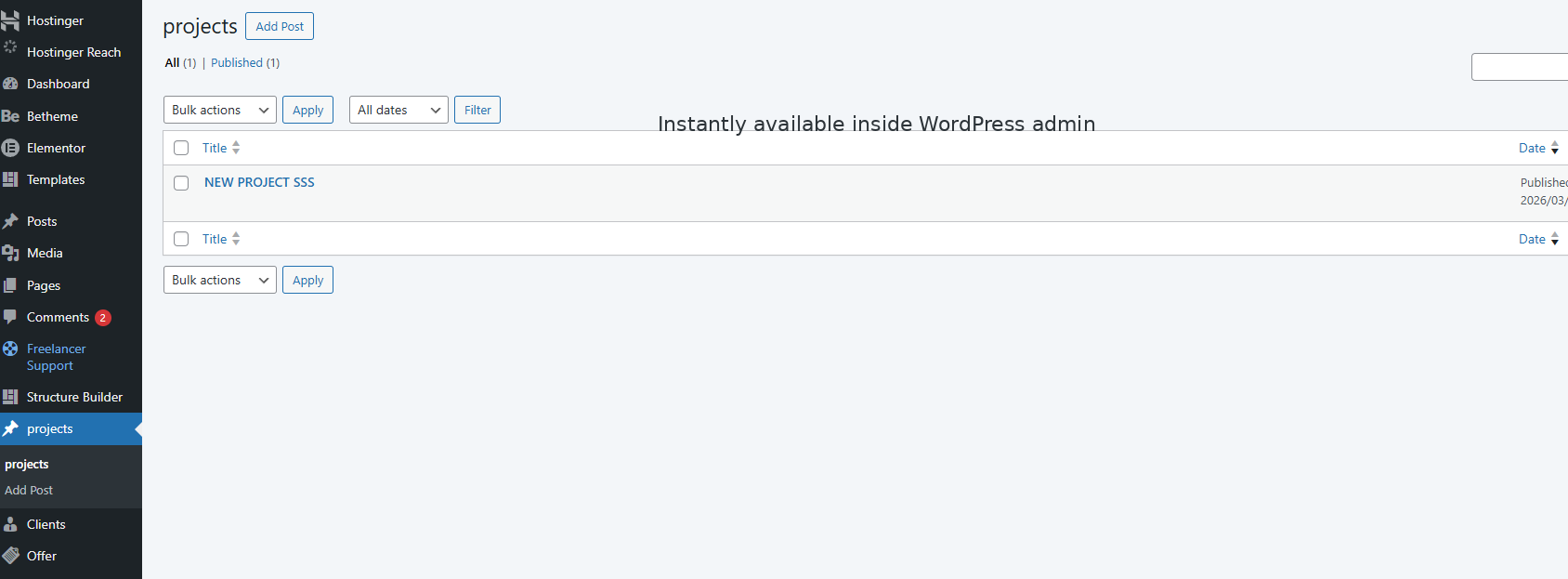
Instantly available inside WordPress admin
Installation
- Upload the plugin files to the
/wp-content/plugins/no-code-structure-builderdirectory, or install via the WordPress plugin screen. - Activate the plugin through the ‘Plugins’ menu.
- Go to Structure Builder from the admin sidebar.
- Drag elements like Post Type and Taxonomy into the canvas.
- Configure and save your structure.
FAQ
-
Does this plugin generate full plugins?
-
No, it helps you visually create and manage WordPress content structures such as post types and taxonomies.
-
Do I need coding knowledge?
-
No. The plugin is designed for complete no-code usage.
-
Is it beginner friendly?
-
Yes. The interface is simple, clean, and easy to understand.
-
Will it affect performance?
-
No. The plugin is lightweight and optimized for performance.
-
Can I use it for client projects?
-
Yes. It is ideal for freelancers and agencies.
Reviews
There are no reviews for this plugin.
Contributors & Developers
“No Code Structure Builder” is open source software. The following people have contributed to this plugin.
Contributors
Translate “No Code Structure Builder” into your language.
Interested in development?
Browse the code, check out the SVN repository, or subscribe to the development log by RSS.
Changelog
1.0.0
- Initial release
- Visual structure builder
- Custom post type creation
- Taxonomy linking system